Quick answer
- If the top third of your screen already sits at or above eye level, add neither: lower the screen or drop the desk instead.
- A riser suits a seated station that needs one small, measured lift and can spare the desk depth.
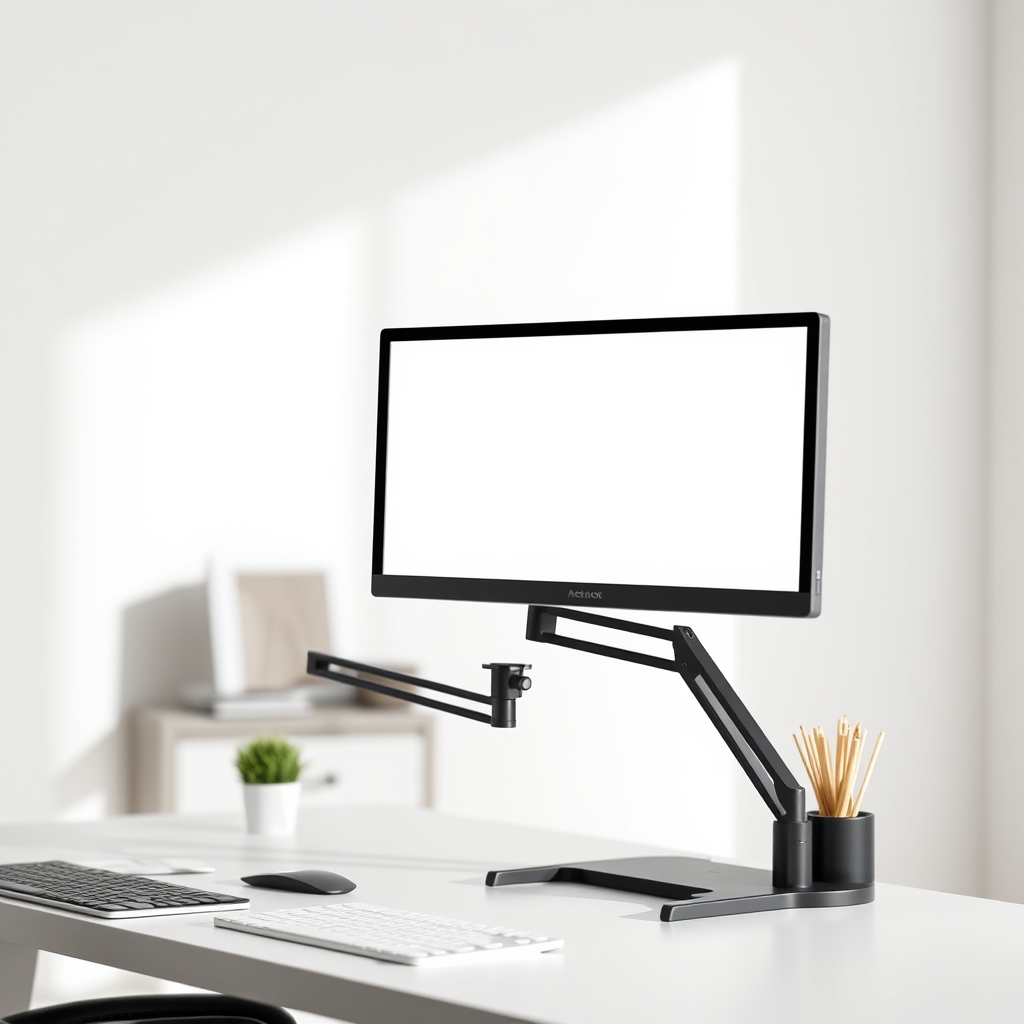
- An arm suits anyone who needs the screen to move, or who wants the footprint under the screen back.
- On an arm, the floor of the load band matters as much as the ceiling, and a light bar's weight counts toward the load.
Monitor riser vs arm gets framed as a style question. It is a measurement question. A monitor riser is a shelf that lifts the screen by roughly its own height and then stays where you put it. A monitor arm clamps to the back or side of the desk and carries the panel through an arc, so it can be swung, tilted and repositioned. One of those fits a fixed seated posture with a known target height. The other fits a setup that has to change during the day.
The order of work is the same either way: work out the height the screen top needs to reach, then check which option can get there within your desk's dimensions and your monitor's weight.
What actually separates a riser from an arm?
The table compares the two options on movement, height and the kind of limit each one publishes.
| Option | Movement | Height result | Published limits |
|---|---|---|---|
| Riser | None once placed | Fixed, roughly the shelf height | Total load and top dimensions, per exact model |
| Arm | Swing, tilt, wide arc | Continuous within travel range | Minimum and maximum load, by spring type |
The specifications are not symmetrical, and that tells you something useful. A riser's work is finished the moment it lands on the desk, so the only numbers that matter are how much it carries and how much flat surface it offers. An arm is a joint under load that moves all day, which is why its ratings come as a range with a floor as well as a ceiling.
The riser case is narrower than it looks. It fits a seated station that needs a modest, measured increase in screen height and has spare desk depth to give up. If you need large independent movement, or the screen height has to change when you stand, the honest comparison is against an arm or a desk converter, not against another shelf.
Is your screen already too high for a riser?
Start with the target rather than the product. Haworth states the rule of thumb as the top third of the screen sitting at eye level, which keeps the head upright instead of tilted up or down. Viewing distance gets set at the same time: roughly an arm's length, with larger screens needing more distance to keep the neck neutral.
Now look at where your screen top actually is. If it is already at or above eye level, adding a riser pushes the head further back and makes posture worse. The fix in that case is to lower the monitor stand, drop the desk surface or change the chair and desk combination; no shelf or arm will rescue it. This is a free check that removes some buyers before they spend anything, and it is worth doing before you compare a single model.
What should you measure before comparing riser models?
Five numbers decide whether a riser is viable: current screen height, the monitor base width and depth, the total weight of what sits on the shelf, the usable desk depth, and where the keyboard ends up.
The one people get wrong is the base. A riser's usable top area has to be checked against the physical stand footprint, not the advertised screen size. Two monitors with the same diagonal can ship with base plates of different width and depth, so a shelf that fits one will overhang or swallow the other.
Depth is the second trap, because a riser spends it. If the shelf is 22 cm deep on a 60 cm desk, you have 38 cm left in front of it for the keyboard and your forearms, which is where a compact keyboard earns its place. On an L-shaped desk the surface that actually holds the monitor is often the return rather than the main span, so measure that one — this guide to corner desk return depth explains why.
How much weight will a riser take, and what does an arm's load band mean?
For a riser, the only valid figure is the exact model's stated total load and support dimensions. "Office monitor" is a product class, not a weight rating, and a shelf marketed for office use is not evidence that it will carry your particular panel. The same caution applies to quoted category ranges such as a 3 to 6 inch lift band for corner risers: those describe a type, not a verified specification for any single design, so confirm the installed lift and the corner fit on the model you are actually considering.
Arms publish a band instead, and the band runs in both directions. The capacity figures below come from published manufacturer specifications for four models.
| Arm model | Capacity band (lb) |
|---|---|
| Ergotron LX | 7 to 25 |
| Ergotron HX | 20 to 42 |
| Atdec AWM-AHX, gas | 13 to 35 |
| Atdec Ora 10, mechanical | 6.6 to 22 |
A bigger headline number is not a better match. A 12 lb panel sits comfortably inside the LX band and below the floor of the HX band, so the heavier-duty arm is the wrong choice for it. Too little weight is a real failure mode on spring-balanced arms: a panel below the published minimum can drift upward instead of staying where you placed it.
Accessories count toward whatever the spring has to balance. Take a panel at 5.4 kg with a 0.3 kg light bar and a 0.2 kg webcam on the moving arm. The spring balances 5.9 kg, not 5.4 kg, and against a gas arm with a 6 kg minimum that setup sits just under the floor. Add up the documented weights rather than assuming an allowance.
Load can also cost travel. Ergotron states that an LX carrying more than 20 lb may lose up to 4.5 inches of vertical range, which matters if you need the screen low as well as high.
Gas spring or mechanical spring?
Gas spring arms rely on a compressed-gas cylinder and are matched to a narrow weight window. Atdec documents one heavy-duty gas model as requiring a minimum of 6 kg (13 lb) with an overall range of 6 kg to 16 kg, and displays outside that band need pressure adjustment or a different arm. Gas pressure also varies with ambient temperature, which matters in a room that gets cold.
Mechanical spring arms tolerate upgrades better, because the tension is adjusted to the load. The same manufacturer cites a mechanical series covering 3 kg to 10 kg (6.6 lb to 22 lb). If you expect to swap displays, or you are weighing a panel whose weight you have not confirmed, the wider mechanical band is the lower-risk choice.
One durability detail gets buried in the small print: gas cylinders can lose pressure over long periods, and the canister warranty is often shorter than the arm warranty. Atdec notes that some manufacturers offer five years on the arm and only one or two years on the gas canister. Read the canister cover separately before you treat the headline warranty as the whole story.
Does a small desk change the answer?
Yes, and it usually pushes toward the arm for a different reason than most people expect. A riser spends depth, which is the scarcest dimension on a small desk. An arm removes the stand's footprint entirely and hands that space back for the keyboard, a notebook and your forearms. The cost is that the arm needs an accessible rear or side edge to clamp onto, plus a route for its cable.
Lighting is the overlooked trade-off. A tall shelf puts the panel high and can shade the keyboard underneath it in a dim room. A monitor light bar clips to the panel instead, but its weight joins the load on an arm.
What to check before you buy
- Record your seated eye level and the height of your current screen top. If the top is already at eye level, stop.
- Measure the monitor base plate in both width and depth, not the diagonal.
- Weigh the panel and add the light bar, webcam and any adapter bracket.
- Measure the usable desk depth in front of the shelf, and leave enough room for the keyboard.
- For a riser, confirm the exact model's total load and top dimensions, and ignore category lift ranges.
- For an arm, check that your calculated load sits inside both ends of the band, not just under the maximum.
- Confirm the desk edge is accessible for a clamp, and check the cable route before you drill or cut.
- Decide whether the screen has to move during the day. If it never does, a shelf is the simpler object.
Matching the situation to the right fix
The table pairs four concrete situations with the kind of product that resolves each one.
| Situation | Fix that answers it |
|---|---|
| Desk too shallow for arm's-length viewing | Clamp-on desk arm |
| Stand maxed out and screen still low | Riser with documented load and top size |
| Panel plus accessories under a gas arm's minimum | Mechanical-spring arm rated from 3 kg |
| Height must change between sitting and standing | Desk converter or repositionable arm |
Sources and further reading
- Haworth, "How High Should Your Monitor Be: Ergonomic Insights for Your Ideal Desk Setup"
- Monitor Arm Guide, "Weight Ratings and Capacity Explained"
- Atdec, "Gas Spring vs Mechanical Spring Assisted Monitor Arms"
- DHGate Tech, "How to Choose the Right Desktop Monitor Riser for Your Setup"