Quick answer
- Muse is Meta's consumer personal AI agent, launched September 8, 2026 in the United States across iOS, Android, muse.ai, and WhatsApp on day one. It acts on goals rather than answering questions.
- Every Muse account runs inside Muse Secure VM, a persistent isolated Linux computer with its own full browser, storage, CPU, and memory. You and your agent share that same machine.
- A second agent called Sentinel runs on the same machine but is separated at the system level. Nothing Muse does reaches the internet unless Sentinel approves it.
- Payments use Link by Stripe, which generates a one-time-use virtual card so your real card details stay hidden. Muse is the first AI agent covered by Link's purchase protections.
- Pricing is free for most everyday use, with Power at $20 per month and Maximum at $100 per month for heavier workloads.
Consumer AI has spent three years in a cycle of "better chatbot." Meta's Muse is a different bet: instead of a model that answers inside a chat window, it is an agent that runs on a computer you can watch.
Here is how the architecture actually works, what the security model does and does not cover, and what the pricing tiers buy you.
Muse Secure VM: your own computer in the cloud
The defining technical decision in Muse is the execution substrate. Instead of running in an ephemeral sandbox that evaporates when a session ends, each Muse user receives a persistent, isolated Linux virtual machine with a full browser and its own storage, CPU, and memory allocation.
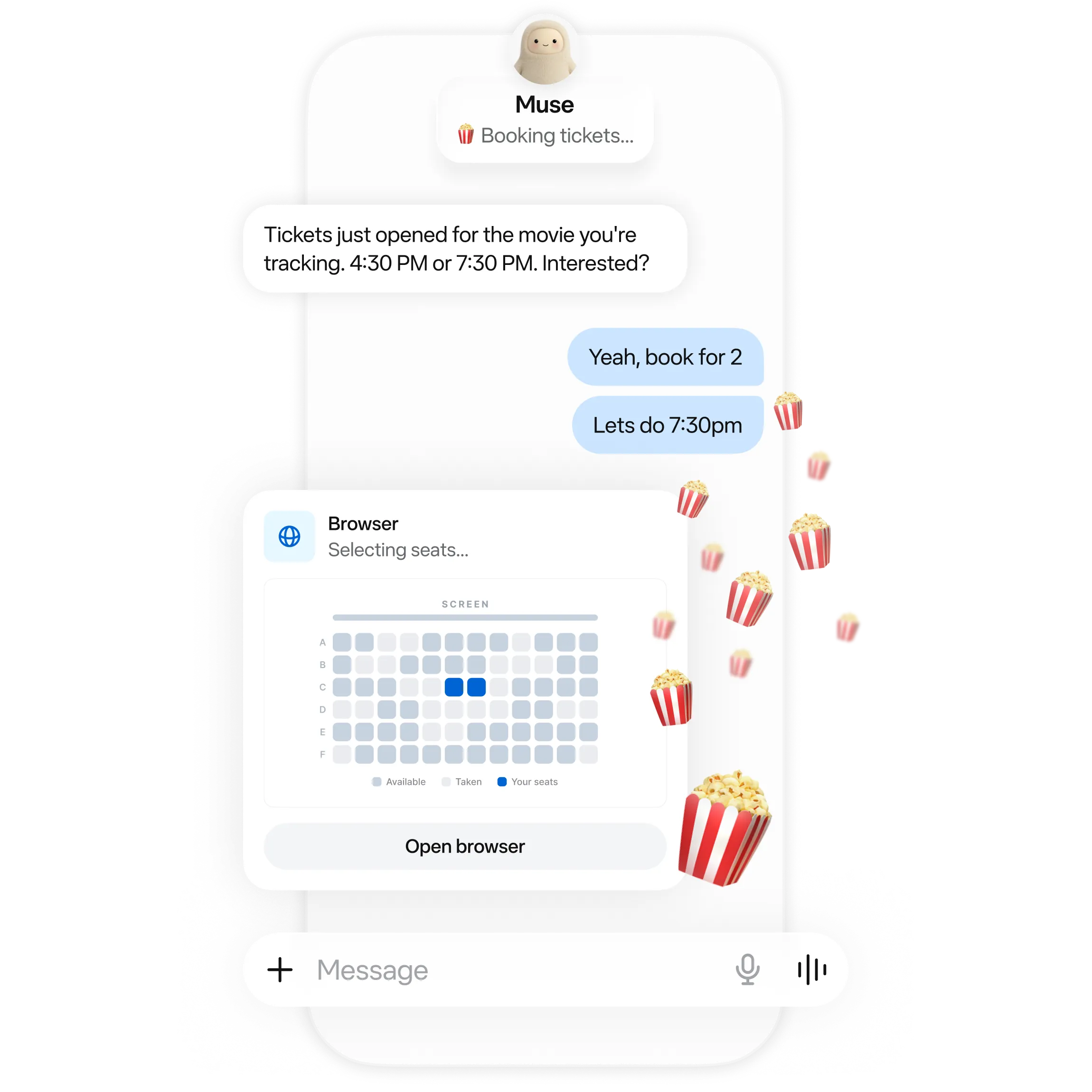 Image source: Meta Muse Official Site / Meta
This design produces several practical consequences:
- The work survives the app. Close the mobile app mid-task and the agent keeps running on the VM. It returns when something changes or when it needs an approval decision.
- The agent can use a real browser. It opens pages, fills out forms, and negotiates on your behalf, rather than calling a narrow set of first-party APIs.
- You can intervene. Because it is your own machine with a visible browser, you can watch what it is doing and step in mid-task, exactly like taking the keyboard back from a contractor.
- State accumulates. Because storage persists, the agent can build up working knowledge over weeks rather than restarting from zero each session.
Sentinel: the gatekeeper that shares the machine
Running an autonomous agent with a browser on a machine full of your credentials is the obvious security objection. Meta's answer is a second agent.
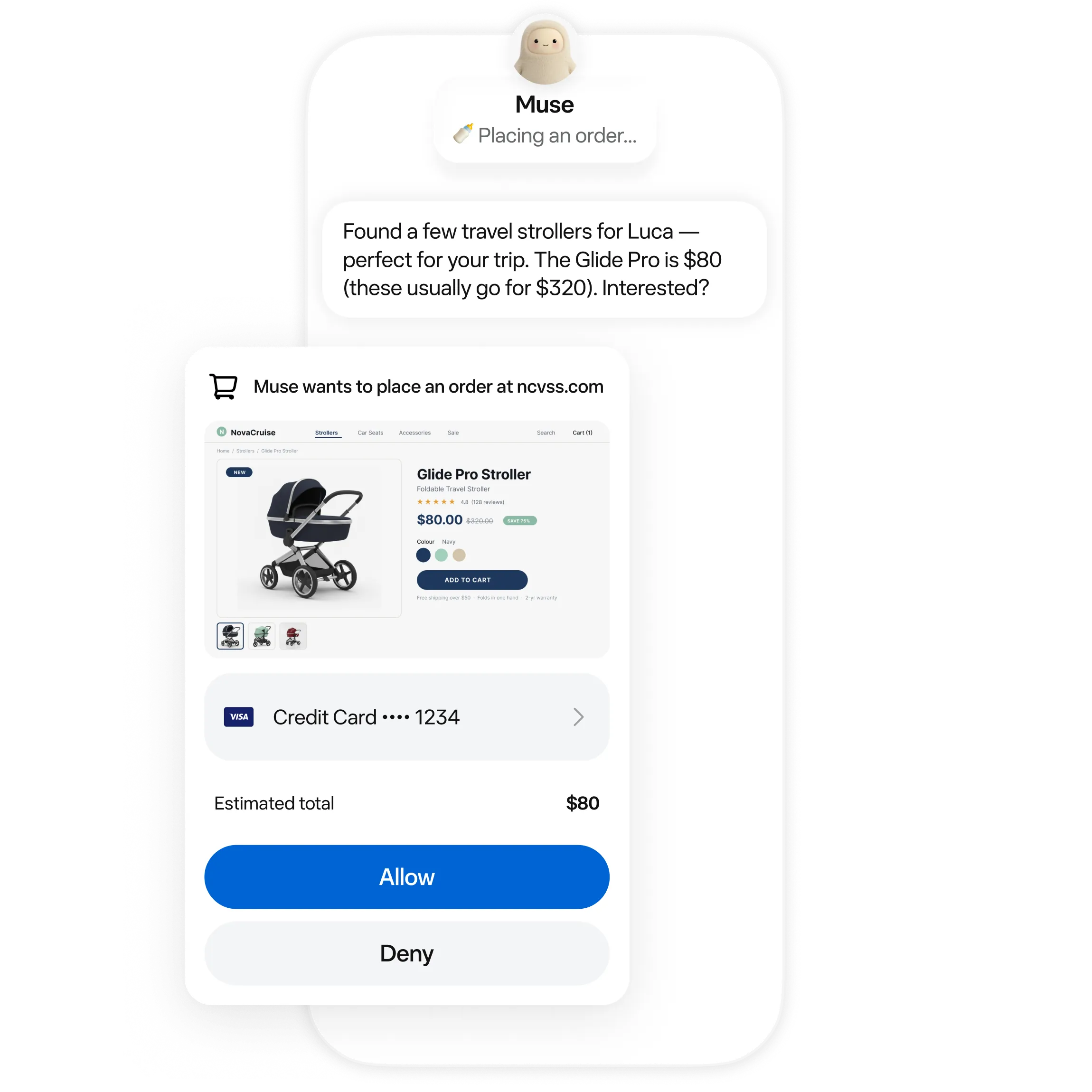 Image source: Meta Muse Official Site / Meta
Sentinel runs on the same VM as Muse, but is isolated from it at the system level. It acts as a network egress filter:
- Nothing reaches the internet without approval. Every outbound request Muse makes is inspected by Sentinel first.
- Sentinel can ask you. When a request needs human judgment, Sentinel surfaces the question to you rather than deciding alone.
- Credentials stay opaque. Credentials you connect go into secure storage that Muse cannot read. Muse can use them without seeing them, and it cannot see passwords you type into the browser yourself.
Alongside Sentinel, Muse asks for approval before consequential actions such as sending an email or completing a purchase, and it keeps a complete audit trail of what it has done and what it plans to do next.
Payments: Link by Stripe and the virtual card pattern
The hardest thing to delegate to a software agent is spending money. Meta's solution delegates the authorization to Stripe while keeping the card number hidden.
- One-time-use virtual card. When Muse needs to pay, Link's agent wallet generates a single-use card tied to that transaction, so your real card details are never exposed to the agent or to the merchant.
- Purchase protections apply. Muse is the first AI agent covered by Link's protections: coverage for damaged or lost items, price drops, no-fee returns, and a return guarantee on eligible purchases.
- Broader wallet support is coming. Shop Pay is announced as an additional payment method, along with 1Password support so Muse can use credentials you already store there.
This is the pattern worth watching across the industry: agent payments need a credential-isolation layer, not just an agent that can fill in a checkout form.
Connectivity: designed for messaging, not dashboards
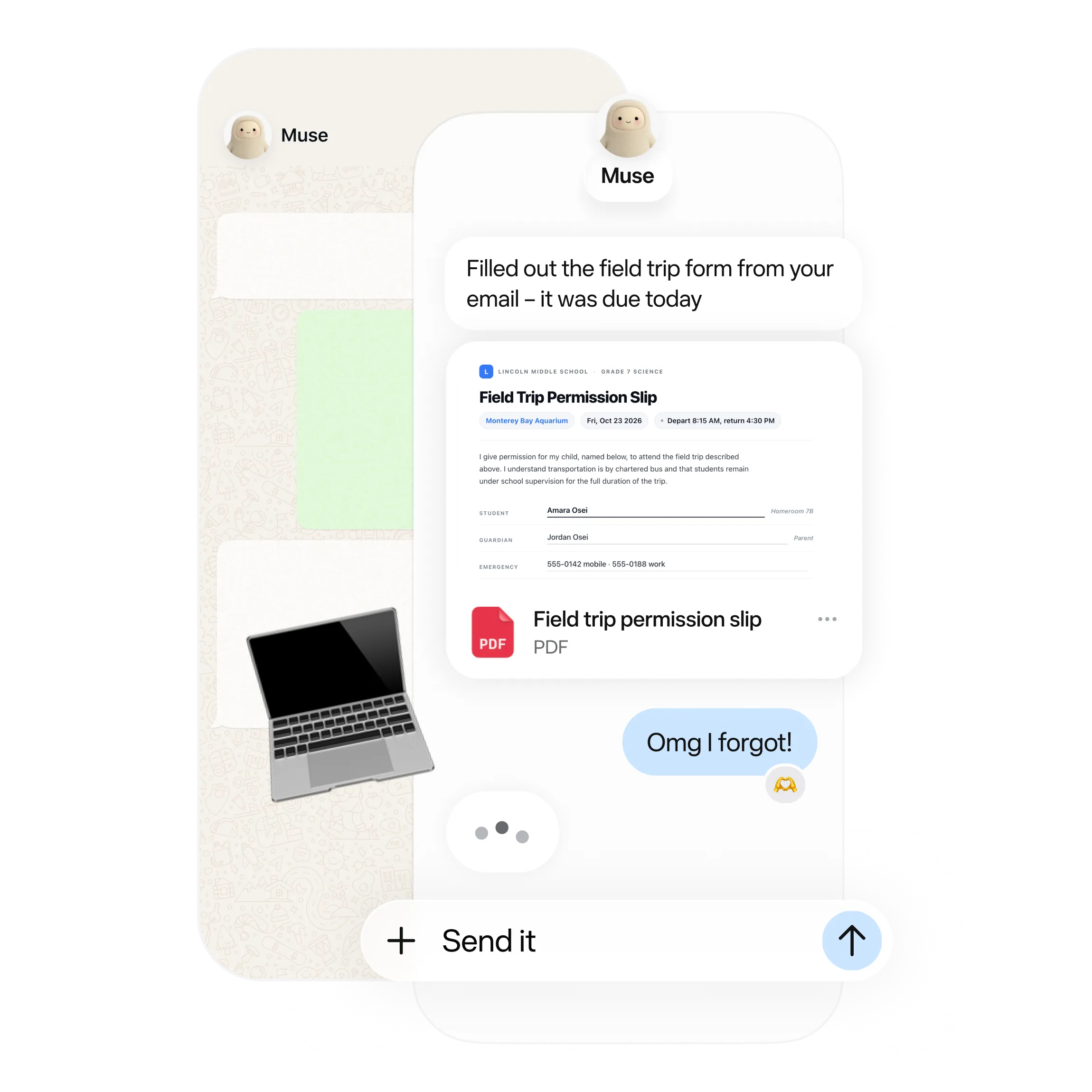 Image source: Meta Muse Official Site / Meta
Muse is deliberately interface-light. You talk to it the way you message a person, through the Muse app on mobile or Mac, or straight in WhatsApp. There is no learning curve because there is no new interface to learn.
The more interesting behavior is what it retains. Meta describes an agent that remembers details you mention once, then acts on them later without being reminded. Their example is a recipe reel saved on Instagram becoming a grocery list, combined with remembering a friend's dietary restrictions before sending party invitations. You can tell it to "forget" specific things it has learned at any time.
Pricing: free, Power at $20, Maximum at $100
Muse is free for most of what people need, with two paid tiers for heavier usage.
| Tier | Price | Intended Use |
|---|---|---|
| Free | $0 | Everyday personal tasks, messaging-only workflows, standard approval flows |
| Power | $20 per month | Users who run recurring workflows, longer-running goals, and more frequent agent hours |
| Maximum | $100 per month | Heavy usage: continuous autonomous work, large-scale migration-style projects, frequent purchasing on your behalf |
Meta also attaches a referral program: new accounts can redeem an invite code within 48 hours of signup, with both the new account and the referrer credited a billion Muse tokens. Invite-gating and regional restrictions mean access still rolls out unevenly.
The trust question nobody can engineer away
Muse asks for more personal surface area than any Meta product before it: email, calendar, payments, health apps, smart home, dining, and shopping.
Meta's protections, in the company's own framing:
- Conversations and VM data are not shared with Meta's advertising systems.
- Users can opt out of their interactions being used to train Meta's models.
- Access is per-app and revocable at any time, with granular control over what each connection may do.
- A full audit trail of agent activity is available to the account owner.
- Muse Confidential VM, expected later in 2026, encrypts the entire VM including conversations with a key only the user holds, so not even Meta can access it.
The architectural trade-off is honest: the Sentinel model reduces the blast radius of a compromised or confused agent, but it does not remove the dependency on trusting Meta with your connected accounts. Anyone evaluating Muse should decide whether that trade is acceptable for their own data, not just whether the feature set looks compelling.
Sources and further reading
- Meta, "Introducing Muse: The World's First Personal AI Agent Built for Everyone", about.fb.com Newsroom (September 8, 2026).
- Meta Research, "Introducing Muse Spark 1.3", research.meta.ai (September 2, 2026).
- Meta Muse, Official Product Site and Security Documentation, muse.ai and security.muse.ai.
- DataCamp, "Meta Muse: Features, Access, and Pricing Explained" (September 9, 2026).
- Stripe Support, "Link Purchase Protections Coverage and Eligibility Rules".