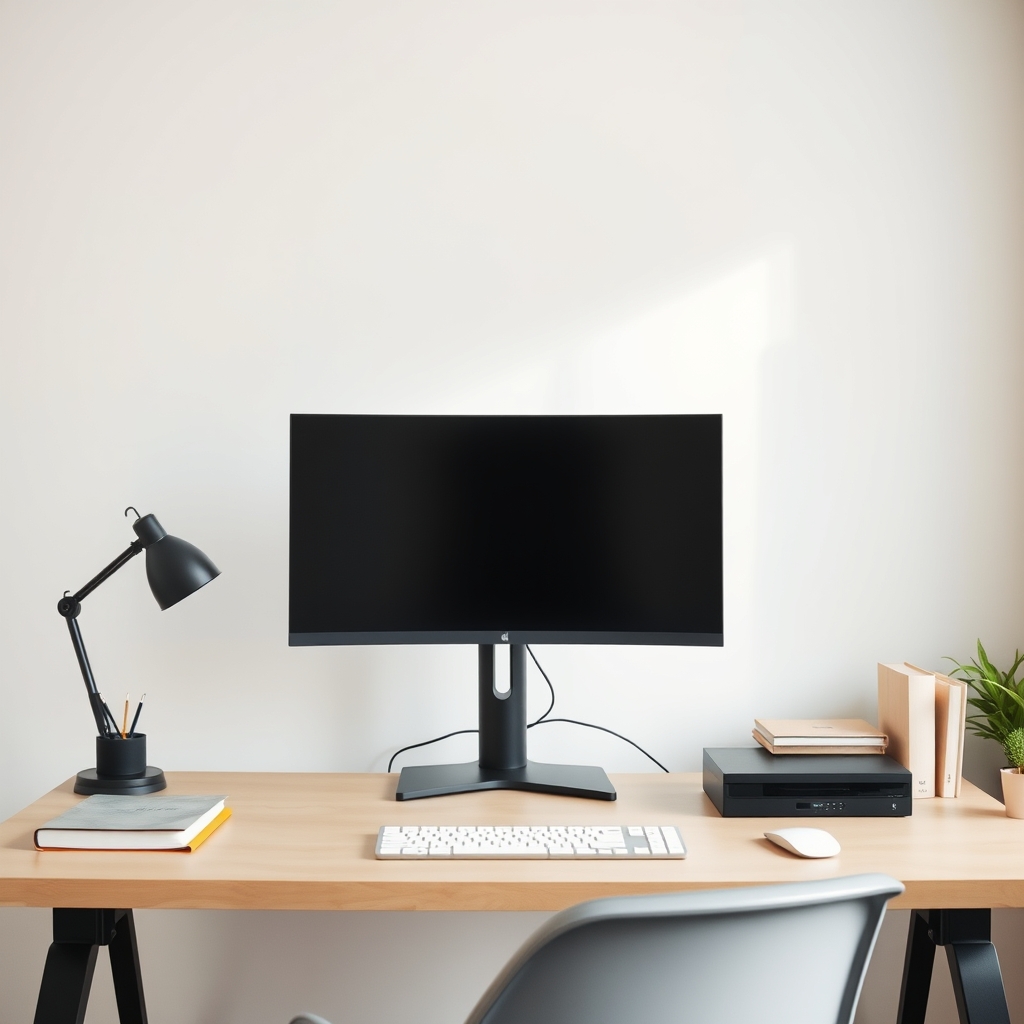
What actually decides standing desk stability
A headline lifting capacity is an actuator figure. It describes what the motors can raise, not how much the desk moves once it is at height. Two desks with identical capacity, height range and price can still differ in column overlap, foot width, desktop stiffness and fastener quality. Those decide whether typing feels steady, and most of them can be checked with a tape measure or a direct question to the seller.
This guide works through the checks in the order they eliminate desks: load per column, depth and clearance, geometry, travel, duty cycle and cycle life, then the desktop and the monitor arm sitting on it.
The number to ask for: load per column
Start with mass: desktop, monitors, arms, computer, and whatever else lives on the top. Divide by the number of lifting columns. The table shows the same gear load spread differently as the column count rises.
| Total gear load (kg) | Lifting columns | Load per column before allowances (kg) |
|---|---|---|
| 40 | 2 | 20 |
| 40 | 3 | 13.3 |
| 40 | 4 | 10 |
Only the leg count varies between rows, so they compare cleanly. Add the desktop before you divide. A 160 cm by 80 cm top in 25 mm particleboard, at typical panel densities of roughly 700 to 800 kg per cubic metre, weighs about 22 to 26 kg. That is more than half of a 40 kg gear load on its own.
Treat the result as a starting point rather than a design limit. Loading is uneven in practice, because a monitor arm clamped at one end of the top pushes more weight onto one column than the others. Frame builders apply an allowance for that and a safety factor on top of it. Ask what the capacity per column is, and whether the published figure already includes both. A seller who can answer that has done the engineering.
Depth, clearance and screen distance
Small rooms make depth the scarce dimension, and depth is set by your body rather than by the desk. Measure your popliteal height, floor to the underside of your thigh, seated with feet flat and shoes on. If it is 42 cm, your seat pan sits at 42 cm and the underside of the desk has to clear your knees with room to shift. Ask for the clearance from floor to the lowest obstruction, not the surface height. A thick apron or a structural crossbar can fail that check under a standard 74 cm surface.
At the front edge, OSHA's computer workstation guidance puts the keyboard near elbow height, the top of the monitor at or slightly below eye height, and the screen roughly 20 to 40 inches from your eyes. Fix that viewing distance first, because it sets how deep the top needs to be. A 60 cm desktop holds a screen on its own stand and very little else; if you want the screen further away and still want writing space in front of the keyboard, depth is the specification you are shopping for.
Geometry checks with a tape measure
Compare desks only at the height you actually work at. A frame extended to 110 cm and one sitting at 74 cm are not being tested on equal terms.
Measure three dimensions. Foot width, across the base, resists sideways sway. Base depth, front to back, resists rocking. Overhang, the distance the top runs past the leg supports, adds leverage to any movement: a 60 cm base under an 80 cm top overhangs 10 cm front and back, right where your forearms rest. Push the front edge sideways and front to back with the desk loaded roughly as yours will be, then re-tighten every fastener about a week after assembly, once the joints have settled.
Note the floor-to-desktop height, the top dimensions, the equipment layout and the floor surface for every desk you try. Carpet over underlay compresses under a foot, so what shudders on a shop's hard floor may behave differently in a bedroom.
Your standing height, the frame's travel, and what stage count does
Stage count is sold as a quality ranking and it is not one. A three-stage column telescopes in more sections than a two-stage column, so it can reach a higher maximum from a similar retracted height. That is a travel difference. Behaviour at the top also depends on tube wall thickness, the fit between the sliding sections, the base and the desktop, none of which follow from the number of stages.
What stage count gives you is arithmetic. The table takes a standing surface that has to sit 118 cm above the floor and shows how much of each frame's travel it uses.
| Frame maximum height | Surface needed | Share of travel used |
|---|---|---|
| 120 cm | 118 cm | 98% |
| 128 cm | 118 cm | 92% |
No specification sheet tells you how much steadier the frame with more travel feels, but the extension ratio is yours to calculate, and it is the single most useful comparison you can make between two frames.
To set the target, measure your standing elbow height, add the thickness of what you type on, and compare the result with each frame's maximum. If your target lands in the top quarter of a frame's range, look for a frame with more travel instead.
Duty cycle, cycle ratings and noise
Duty cycle is how long a motor runs before it must rest, usually expressed as a percentage. Ten per cent means two minutes of running in every twenty: two minutes on, eighteen off. At roughly twenty seconds per raise, that budget covers six raises before the motor should be left alone. Adequate for two adjustments a day; the wrong specification for a shared desk cycled every half hour.
Cycle ratings describe life, and your routine converts them into years. The table below is arithmetic, not test data. One cycle is a single direction of travel, so a raise plus a lower is two cycles, and one round-trip adjustment therefore counts as two. It assumes 250 working days a year.
| Adjustments per day | Cycles per year | Years to 10,000 cycles | Years to 20,000 cycles |
|---|---|---|---|
| 2 | 1,000 | 10 | 20 |
| 4 | 2,000 | 5 | 10 |
| 8 | 4,000 | 2.5 | 5 |
Ask what load the rating was measured at, since a bare frame is an easier test than a loaded desk with the motors working against a heavy top. Noise is the least comparable figure on any sheet: distance, load, floor surface and background noise all shift it. Ask at what distance and under what load a dB(A) number was taken, and treat a figure that arrives without those two details as unmeasured.
Desktop material and the monitor arm problem
A monitor arm concentrates its load at a clamp instead of spreading it, then adds leverage. The further the screen reaches from the clamp, the greater the turning force the clamp has to resist, which is why an arm can turn a desk that felt solid into one you notice every time you type.
Measure the real thickness of the top and check the arm's clamp range with its pads fitted, not as bare metal. Then consider what sits under the clamp. A dense core spreads pressure; a hollow or honeycomb core has a thin skin that a clamp can crush, and the dent stays. If your top is out of the arm's range, the answer is a grommet mount or a freestanding base, not a longer screw and more force. Route the arm's cables along the arm and down the leg rather than hanging them from the clamp, and test the frame with your own screens attached, because dual and ultrawide setups put more mass further from the column.
What a stability claim needs to include
A laser pointer aimed at a wall measures the distance to the wall as much as it measures the desk. A phone's angle display reports an angle, not the force behind it, so it cannot justify a universal threshold such as "under 3 mm". Numbers without methods are decoration.
A report worth reading names the standard, the model and configuration, the load, where the load sat, the height the desk was set to, the force and its direction, and the cycles run. ANSI/BIFMA X5.5 sets out test methods and loads of that kind for desks and tables, and ANSI/BIFMA G1 covers the ergonomic dimensions of office furniture. Naming a standards family is not a certificate for the desk in front of you.
A retailer's own test can still help if the method is fixed: one weight, one position, one height, applied to every desk compared. Treat it as a proprietary comparison rather than an independent result. Anti-collision is a separate matter altogether. It is a controller function whose detection method and sensitivity vary and whose settings are tied to a specific keypad, and it says nothing about frame rigidity.
Buying checklist
- Measure your standing elbow height and use it as the target for the keyboard surface.
- Compare that target with each frame's maximum height so you know the extension ratio before you buy.
- Check clearance from the floor to the lowest obstruction against your seated thigh height.
- Add the desktop mass to the gear mass, then ask for load per column with the uneven-load allowance and safety factor stated.
- Ask for the duty cycle, the tested cycle rating, and the load that rating was measured at.
- Ignore any dB(A) figure that does not come with a measuring distance and load.
- Measure base depth, foot width and how far the top overhangs the leg supports.
- Try every desk at your own standing height, and write down the height, top size, layout and floor surface for each.
- Re-tighten all fasteners about a week after assembly.
- Check your desktop's real thickness and your arm's clamp range with pads fitted, and know what material sits under the clamp.
- Test the finished desk with your own monitors attached.
- Ask for the test report behind any standards reference or millimetre claim.
Sources and further reading
- ANSI/BIFMA X5.5, the desk and table products standard, for test methods and specified loads.
- ANSI/BIFMA G1, the ergonomics guideline for furniture used in office work spaces, for dimensions derived from anthropometric data.
- ISO 9241-5, on workstation layout and postural requirements.
- OSHA computer workstation guidance, on seated posture, keyboard height, monitor height and viewing distance.
No manufacturer specification sheet or independent test report for a named standing desk was supplied for this article, so no product-specific capacity, height, noise, cycle or clamp figures are quoted, and no product links appear. The standards and OSHA guidance named above were used for the ergonomic and test-method statements.